
Division of Financial Services
Financial Information Services
The Capital Assets module has two parts:
The KFS Capital Assets Management (CAM) module allows you to view and update assets purchased through Cornell's financial system, as well those received as gifts, transfers, or furnished by the government. CAM documents allow you to edit asset information, including description, location, and condition. They are also available to process interdepartmental transfers, retire assets, and track component parts and warranty/repair information.
Note: This module can capture information for both capital and non-capital assets.
The Capital Asset Builder (CAB) is the part of the Capital Assets module used by central staff that creates and processes movable capital additions. It pulls together information from the General Ledger (Financial Processing (FP) documents) and the Purchasing module to create assets or add payments to existing assets.
CAB receives Accounts Payable (PURAP) and General Ledger (FP) transactions as a result of nightly batch jobs that are used to create CAB documents. The batch jobs look for particular object code subtypes that have been posted to the ledger. These batch jobs also create general ledger capitalization entries on plant fund accounts for specific organizational units that are used to track the value of the assets and their corresponding depreciation.
Capital Asset e-docs allow you to create, maintain, and retire asset records, as well as provide for inventory management and other aspects of managing assets, including warranty and repair information. As with all KFS e-docs, they are based on predefined rules and automated workflow. Some of the more significant e-docs are listed below.
Edit Asset | Equipment Loan/Return | Asset Global (Add) | Asset Location Global | Asset Transfer | Asset Retirement Global | Asset Fabrication
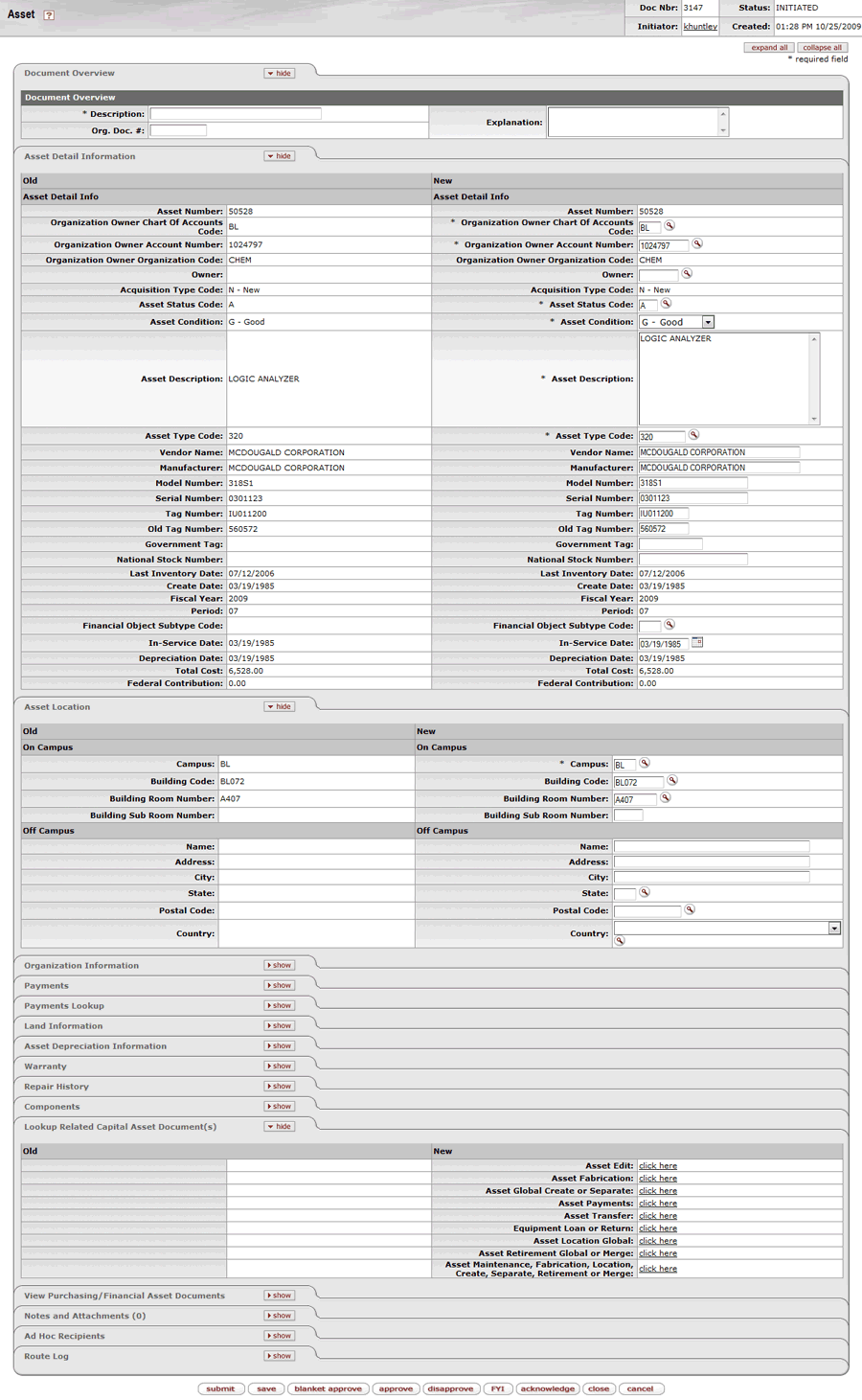 This e-doc is used to make changes to the information stored for a particular asset. It also allows new information to be added to the asset repair history and asset components.
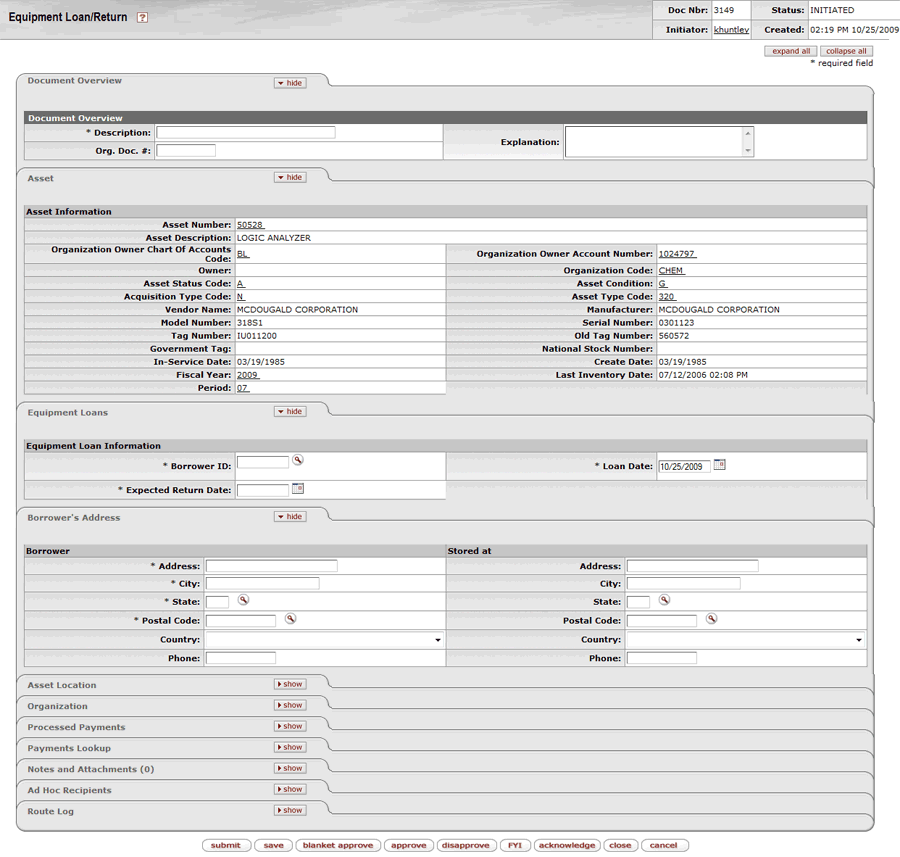 This e-doc allows units to track capital equipment on loan and will route to the borrower and fiscal officer for approval. The borrower’s address is captured on the document.
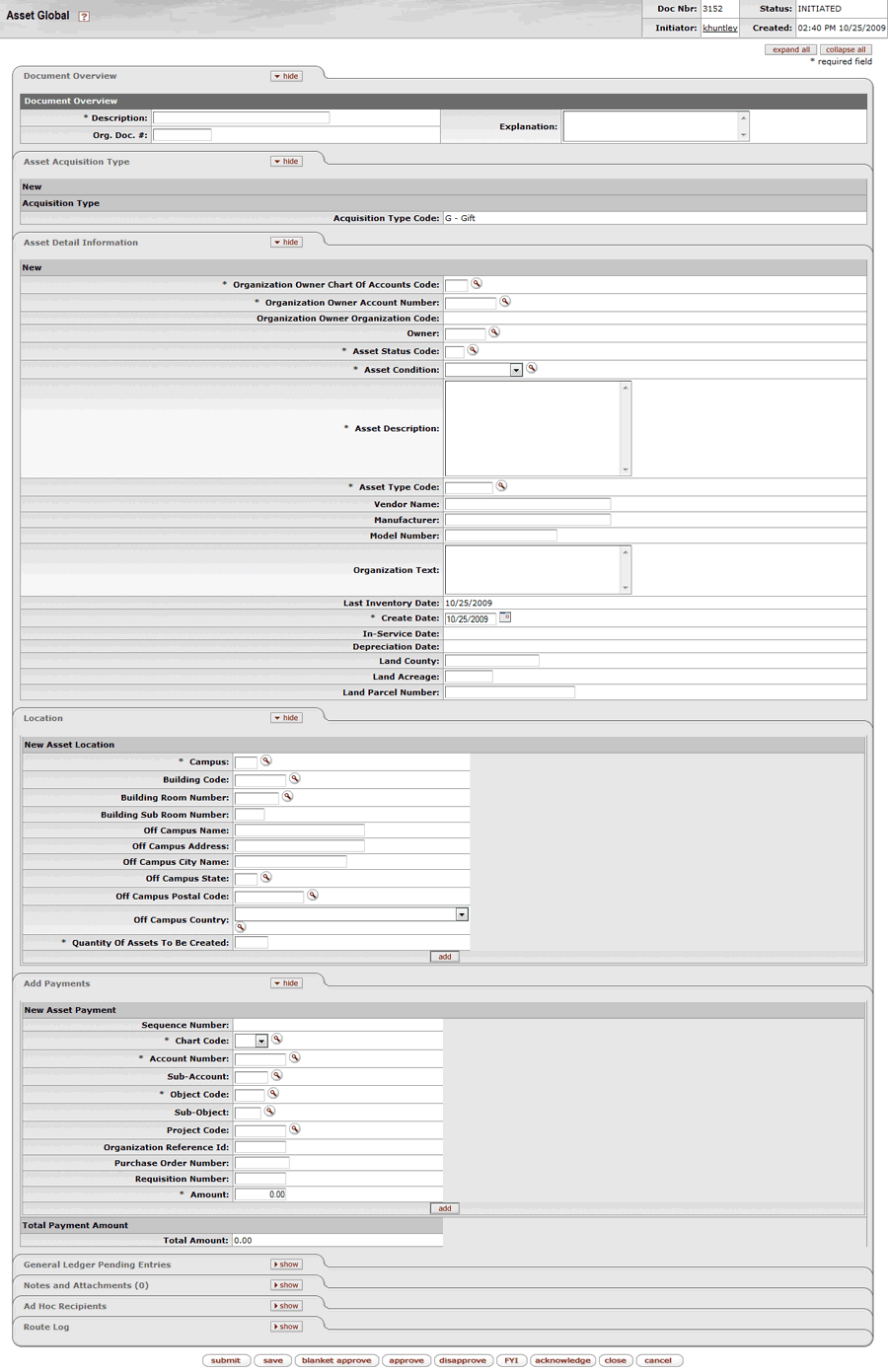 This e-doc is used to create assets in the asset database that are not purchased through the financial system (for example, gifts, transfers-in, found, and non-capital assets). Central staff will also use this document to add non-movable assets that are not processed in the Capital Asset Builder (CAB).
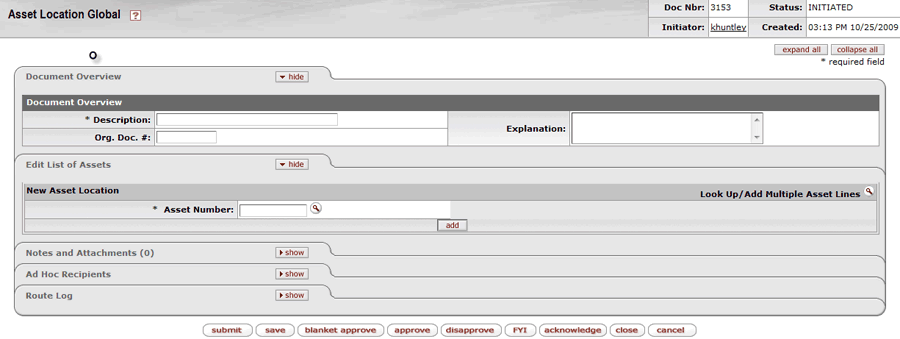 This e-doc is used to update the physical location of an asset such as building and room. If the asset is located off-campus, then the user can add an address.
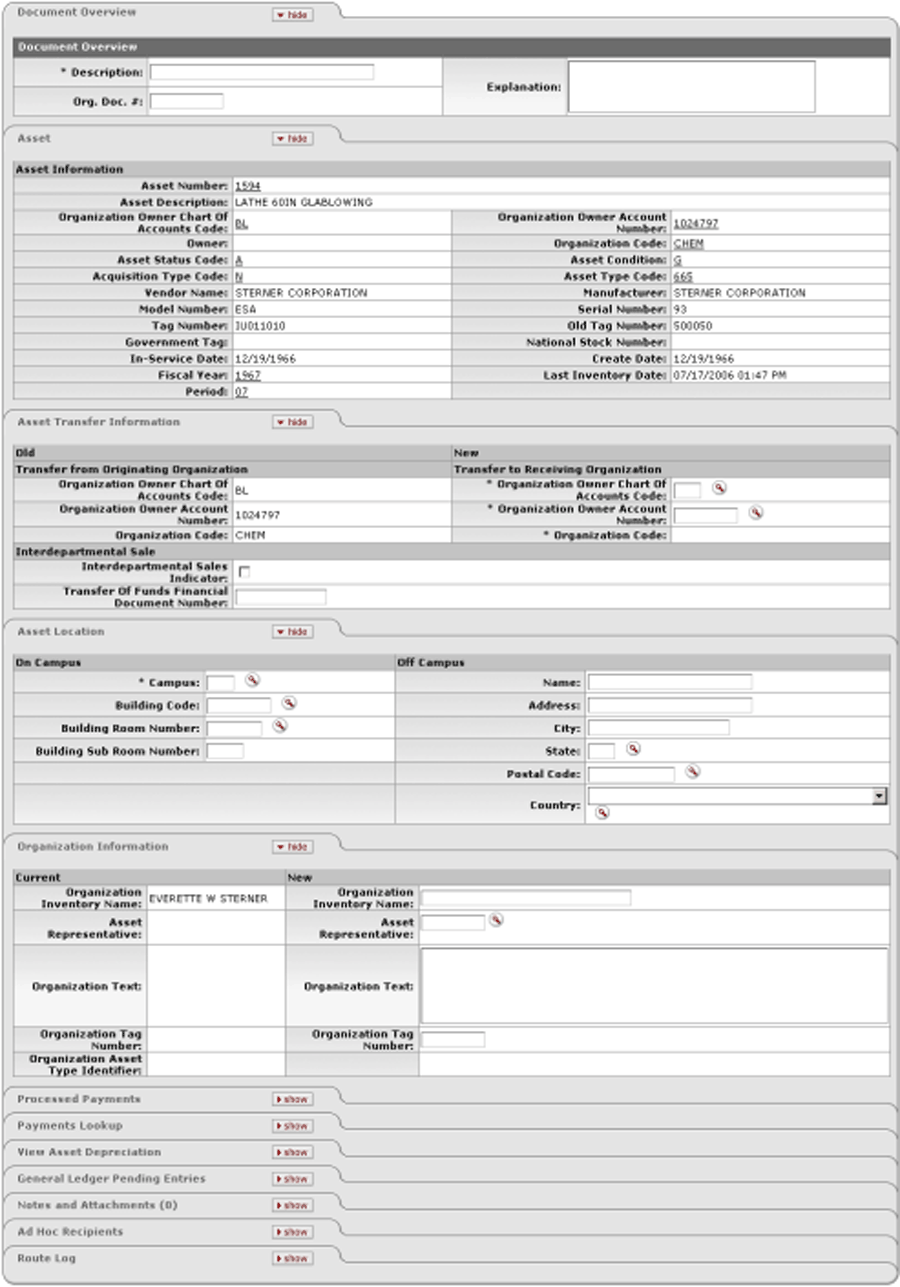 This e-doc is used to record inter-university transfers and inventory responsibility for an asset. The Asset Transfer document is approved by the fiscal officers of both the transferring and receiving units.
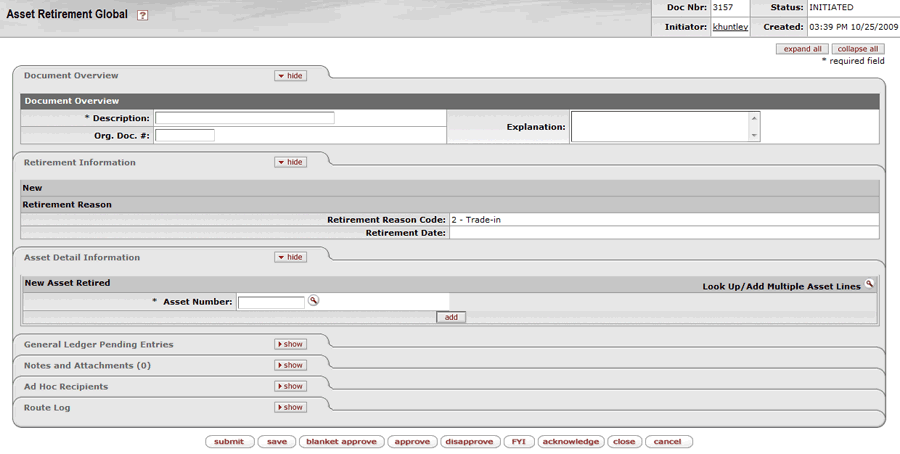 This e-doc is used to record the disposition of an asset and its associated general ledger entries. Once the document is approved, the inventory status is changed to identify the asset as retired.This e-doc is used to capitalize expenditures that are necessary to build a piece of equipment that will be recorded in Cornell’s financial system. The cost of individual components may be less than the capitalization limit; however, the finished tangible asset must have a total cumulated cost that meets the capitalization limit.
